Download your prayers and journal
Save a copy of your prayer cards, journal entries, and account data as a file.
Steps
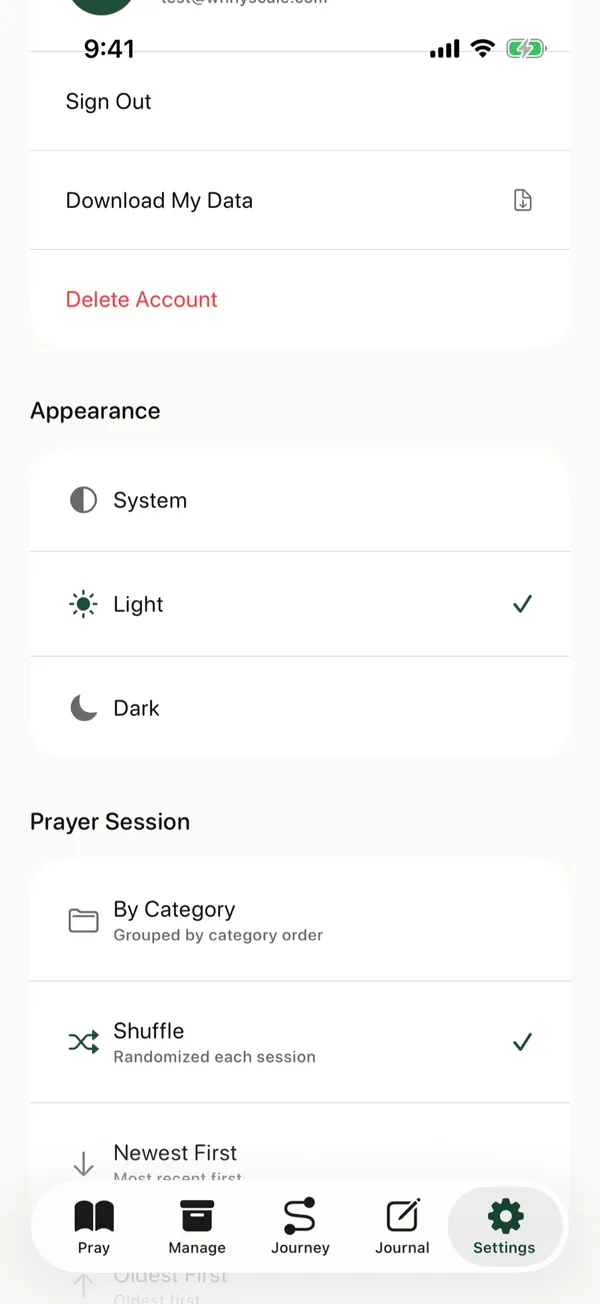
- Tap Settings at the bottom of the screen.
- Under Account, tap Download My Data.
- Choose where to save the file, such as Files, or send it with AirDrop.
Good to know
The file is in JSON format. Its name starts with prayercards-export and ends with the date.
Posts about this
- Offline prayer app, pray anywhere without a connectionWhy an offline prayer app helps you pray on planes, trains, and quiet mornings, what works offline in The Pray App, and how your prayers stay private.
- Free prayer app with no ads for iPhoneThe Pray App is a free prayer app for iPhone with no ads. Prayer cards, a journal, answered prayers, and a Bible reading plan, with your data kept private.
- Prayer journal app, how to keep a prayer journal on iPhoneWhat to look for in a prayer journal app, how journaling on your iPhone compares to paper, and how The Pray App ties your journal to the people you pray for.